

Everything in one list
All, Active and Done as three honest tabs. Every torrent shows its state, progress, down and up rate, ETA and seed/leech counts without a tap.
A torrent client that gets out of the way
Fast, focused, and modern. Torrq is a torrent downloader for Android that keeps the interface clean and the transfers efficient — with live per-piece visibility, full bandwidth control, and a light and dark theme that both look deliberate.
Support and questions ↓DOWNLOAD · CONTROL · CLARITY
All, Active and Done as three honest tabs. Every torrent shows its state, progress, down and up rate, ETA and seed/leech counts without a tap.
A live piece map shows exactly which blocks have landed and which are still in flight — the detail most mobile clients hide from you entirely.
Set maximum download and upload speeds in the units you think in, or leave them at zero for unlimited. Change them mid-transfer.
Pull pieces in order, or grab the first and last blocks first so a file becomes playable before it finishes.
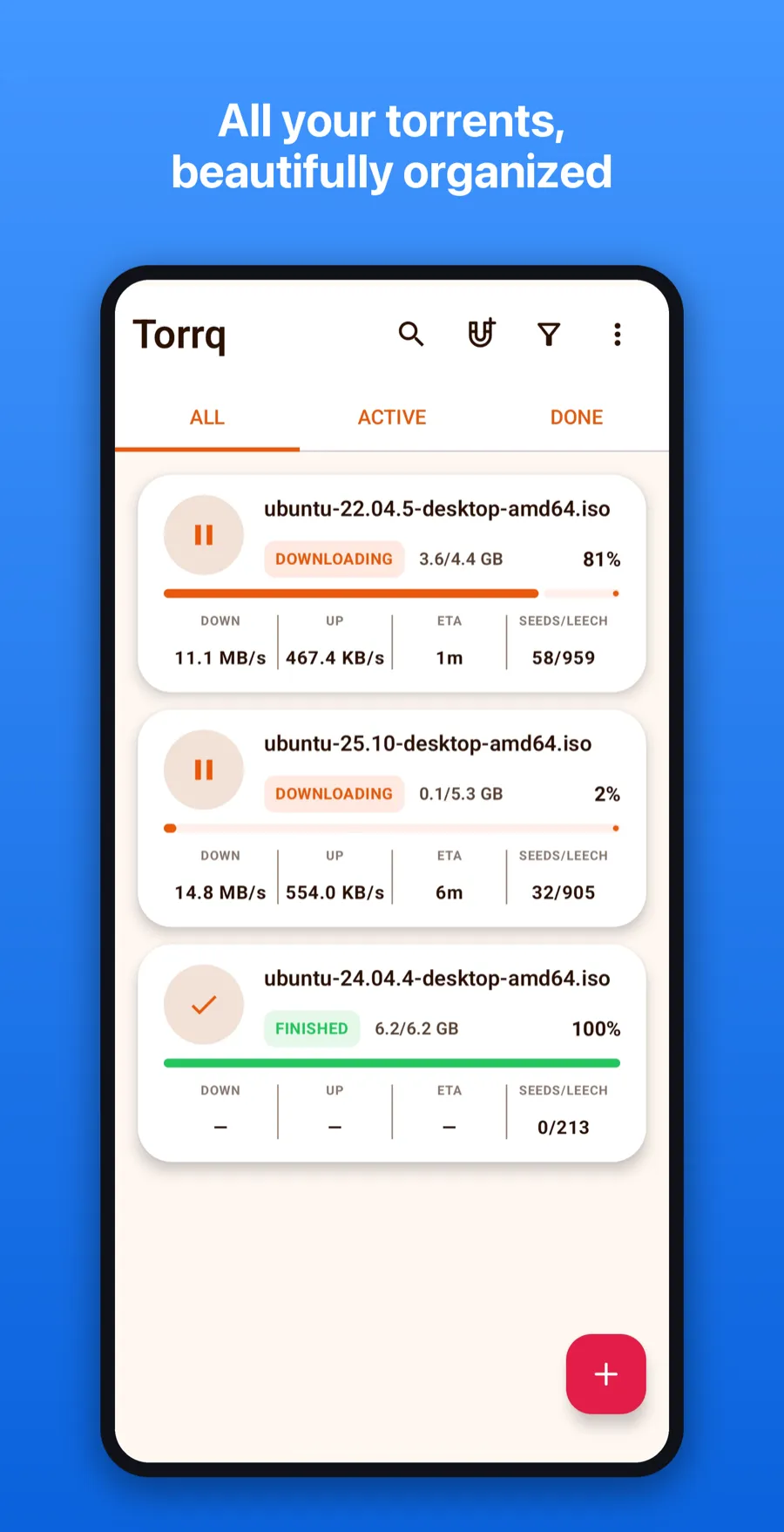
Each card carries state, size, percentage, both transfer rates, ETA and the seed-to-leech ratio — the numbers you actually check, without opening anything.
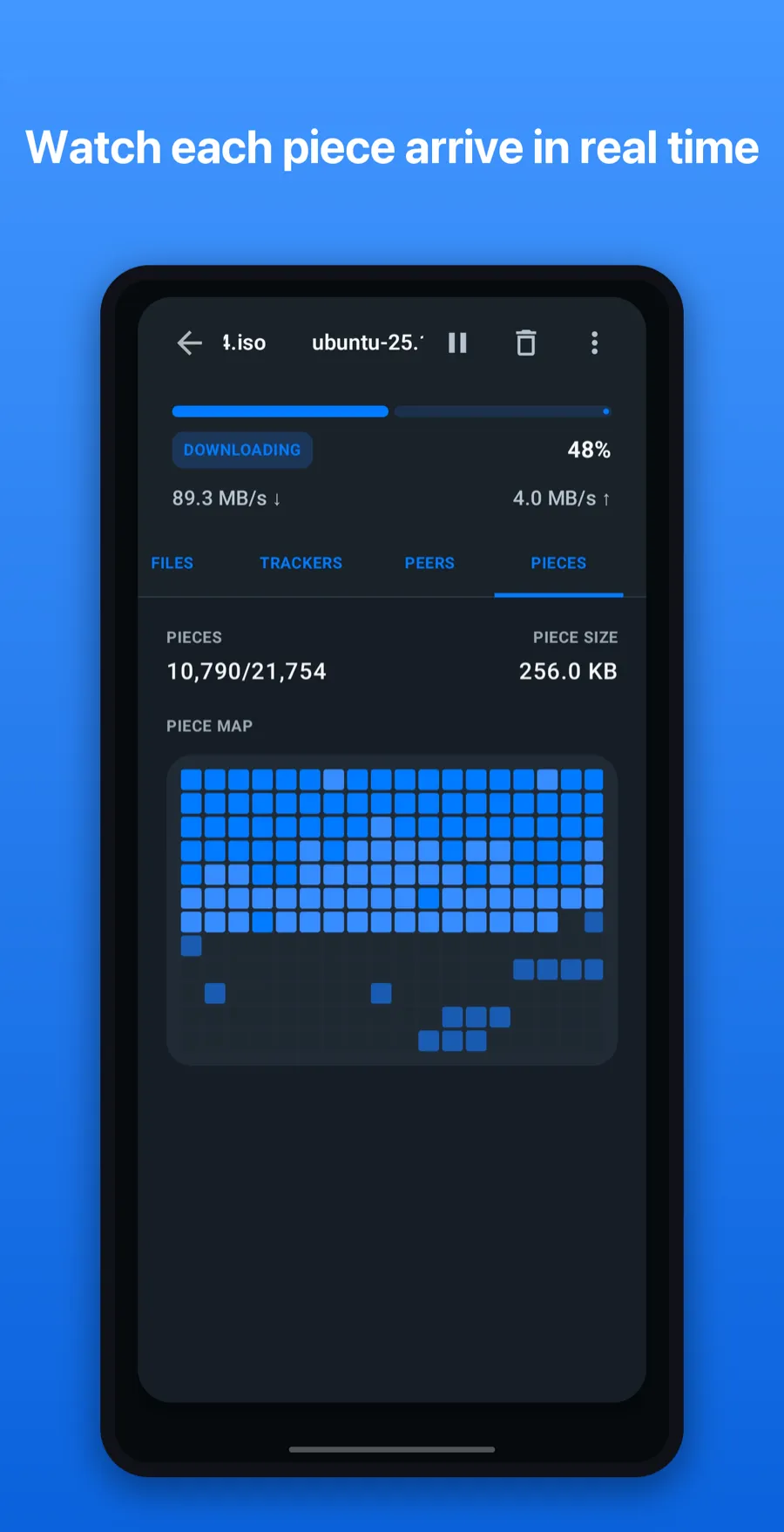
Watch the grid fill as blocks arrive. It is the clearest picture of what a torrent is actually doing, and almost nothing else on mobile draws it.
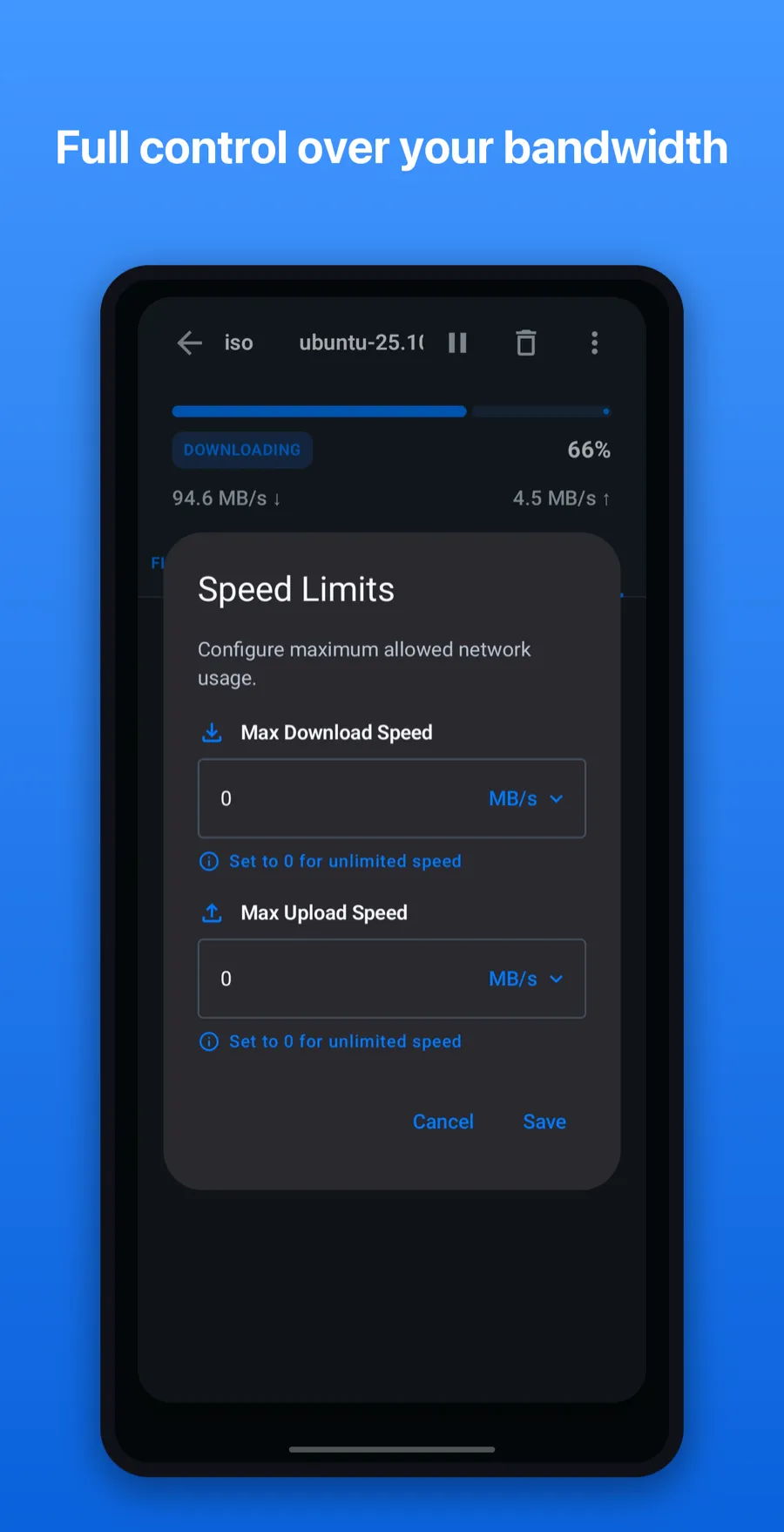
Set limits in KB/s or MB/s mid-transfer. Zero means unlimited — useful when you would rather the video call did not stutter.
Torrq started from a simple frustration: every torrent client on Android either buried the useful information three menus deep, or threw all of it on screen at once with no hierarchy.
So Torrq shows you the four numbers that matter on the card, and keeps the other twenty one tap away — including a live piece map, which almost nothing else on mobile bothers to render.
It is free, ad-supported, and stores nothing about you.